Adjust signal colours
Administrators configure installation-wide signal colours under Settings → Colours.
You can adjust colours for:
- every ticket status,
- every priority,
- unassigned tickets,
- tickets assigned to you,
- tickets assigned to someone else.
The palette appears in the ticket list and detail. The status colour also marks the left edge and lightly tints each row.
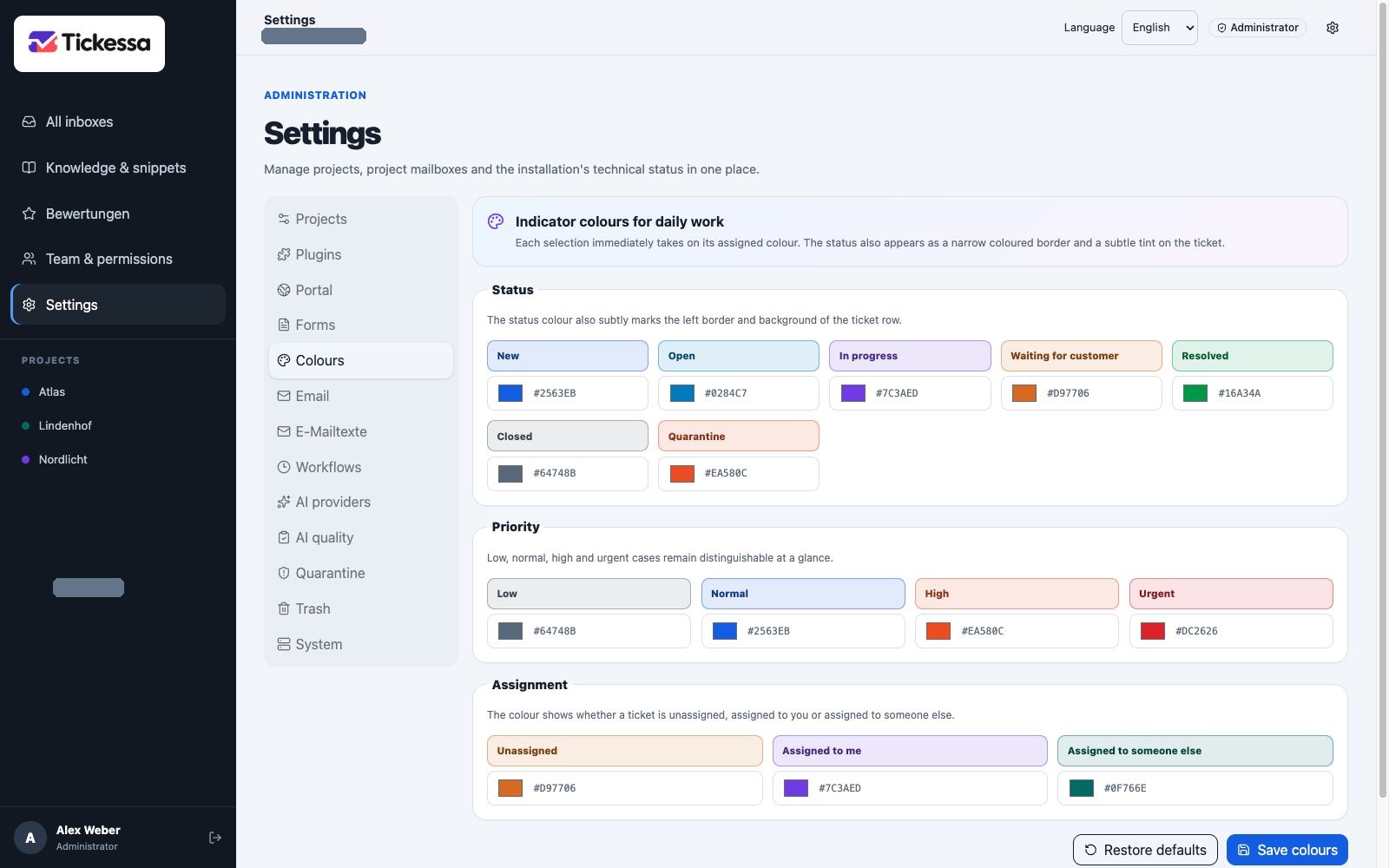
Adjust signal colours for status, priority and assignment across the installation.
Restore defaults
Restore defaults resets the complete palette to Tickessa's standard colours. Check contrast when using custom colours and ensure that colour is never the only distinction between important states.