Sign in and use your account
Tickessa has no public registration. An administrator creates user accounts and assigns roles and project access.
Sign in
- Open your Tickessa installation.
- Enter your personal email address and password.
- Select Sign in.
- If a password change is required on your first login, choose a secure personal password.
Functional addresses such as a support mailbox are not user accounts. Always sign in with your personal address.
The language selector is available before and after sign-in. German is the default; after sign-in, your saved account language applies. See Languages and email templates.
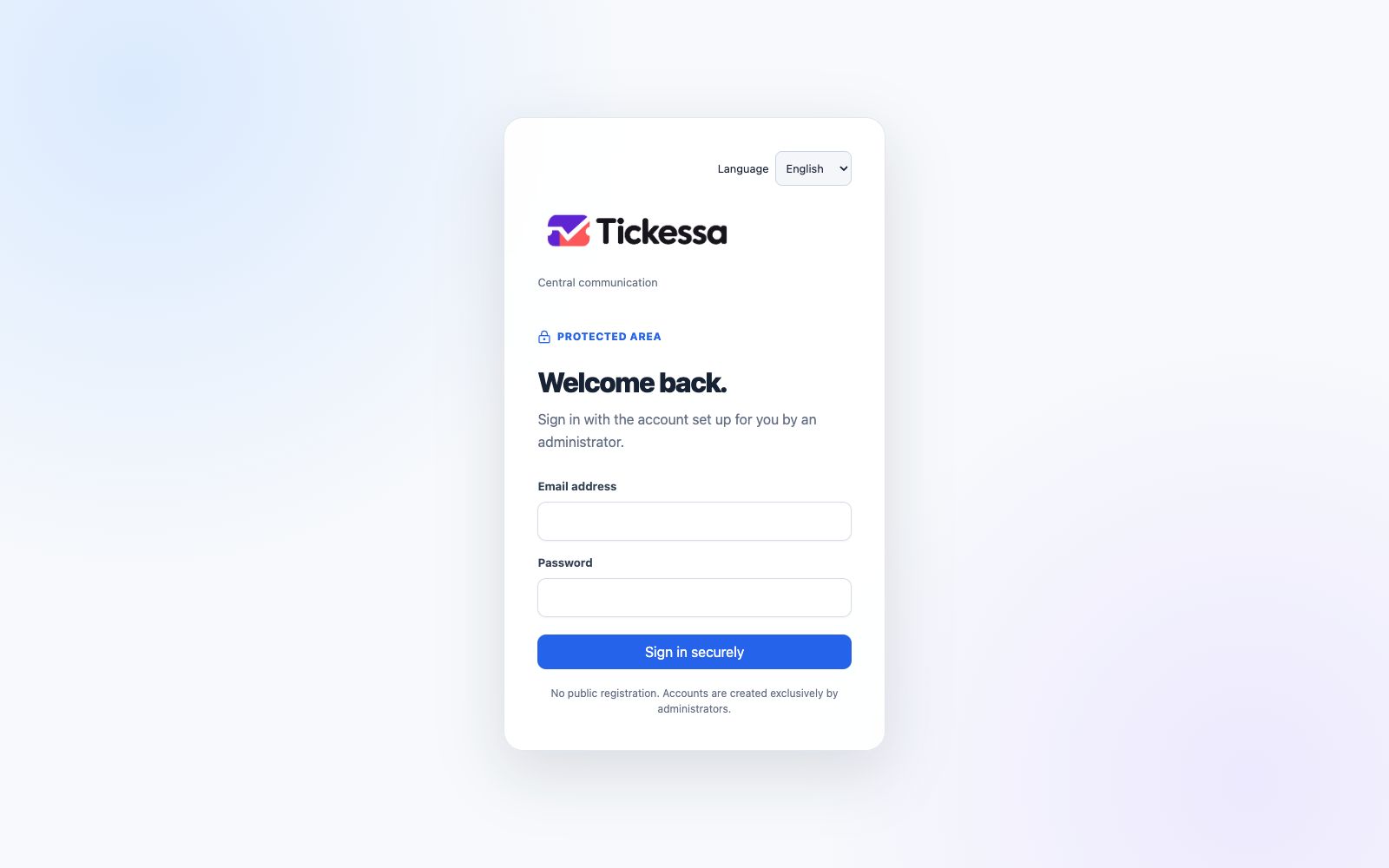
Choose the interface language before signing in.
Roles
| Role | Typical permissions |
|---|---|
| Administrator | Manage users, projects, mailboxes, colours and system settings |
| Agent | Work on authorised projects and their tickets |
| Viewer | Read authorised content without changing or sending customer communication |
Project visibility is checked by the server. Hiding a button alone does not enforce access control.
Sign out
Open the user menu and select Sign out, particularly on shared devices.
Credentials
Do not share personal passwords. Administrators do not need your existing password to change your name or project access.