Spam, quarantine and trash
Tickessa distinguishes unsafe messages, confirmed spam and deliberately deleted tickets. Each has different consequences.
| Area | Purpose | Replies or AI allowed? |
|---|---|---|
| Quarantine | Isolate unsafe intake pending a decision | No |
| Trash | Retain deleted conversations during the retention period | No |
| Spam blocklist | Reject future messages from a confirmed sender | No reply |
How messages enter quarantine
Tickessa first checks the installation-wide sender blocklist and fixed rules, then configured provider spam headers, an optional spam folder, and sender, size and attachment validation. Only accepted intake can later be considered for AI assistance.
Unsafe provider signals, spam-folder messages, missing senders and unsafe attachments are held. Triggering signals are stored in a structured form without copying complete provider headers or credentials into the audit.
Review and release quarantine
- As an administrator, open Settings → Quarantine.
- Carefully review the sender, subject, intake signal and known context.
- Do not open unexpected links or files just because they are visible.
- Release the message only if it should be handled as a normal support conversation.
Release moves the ticket into the regular inbox, marks the decision as manual and logs the original reason, score, time and administrator. Original signals remain available.
A normal status selector cannot release quarantine.
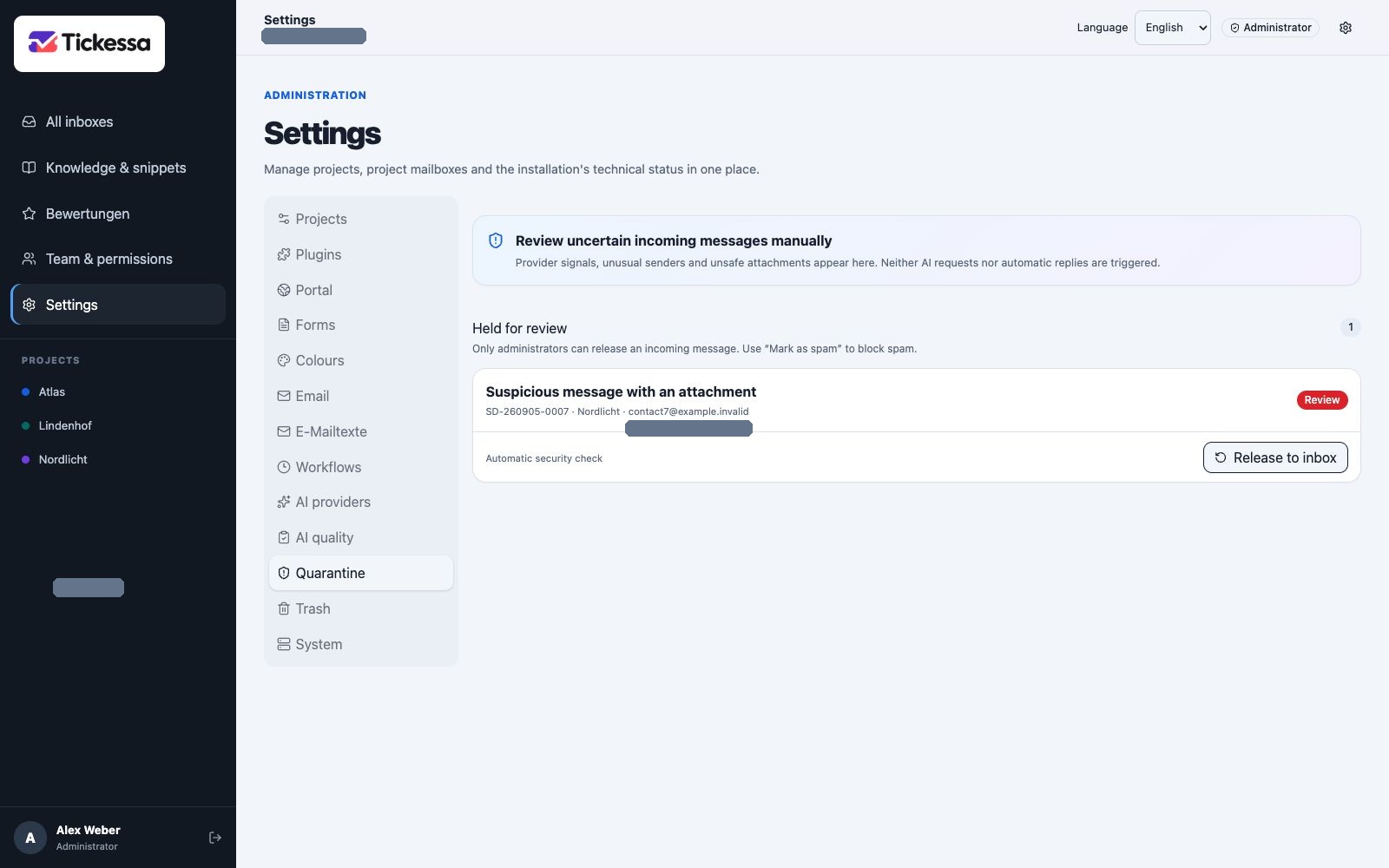
Suspicious messages stay in quarantine for review. Release an individual conversation only after checking it.
Move to trash
Delete first moves a ticket to the administrative trash. It remains recoverable within the configured retention period.
Swipe left on touch devices or use the dots button without a gesture.
Mark as spam
Spam performs two actions:
- Moves the current ticket to trash.
- Blocks its normalised sender address across the installation.
Further messages from that address go directly to trash without a reply. This avoids confirming an active address to a spammer.
Use Spam only when the address should be blocked across the installation. Use Delete for a single conversation that is no longer needed.
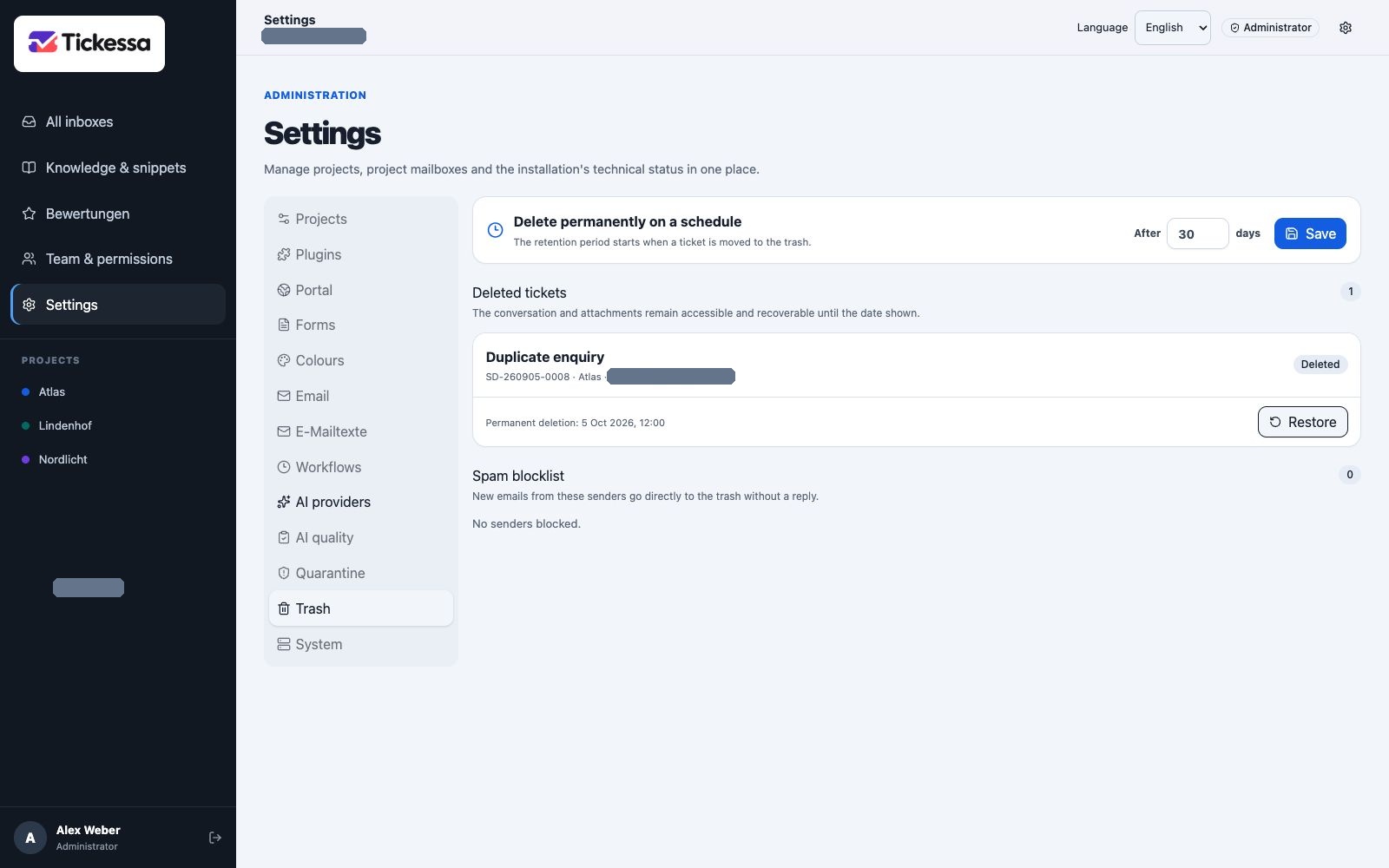
Trash shows the retention period and removed tickets that can still be restored.
Restore
Administrators can restore tickets during retention. Restoring a spam ticket does not automatically unblock its sender; remove the block separately.
Permanent deletion
The installation-wide retention period is 1–365 days, with a default of 30 days. After expiry, the protected cron process permanently removes the ticket, messages and stored attachments.
After retention expires, recovery is possible only from a suitable backup.