Security and privacy
Accounts and permissions
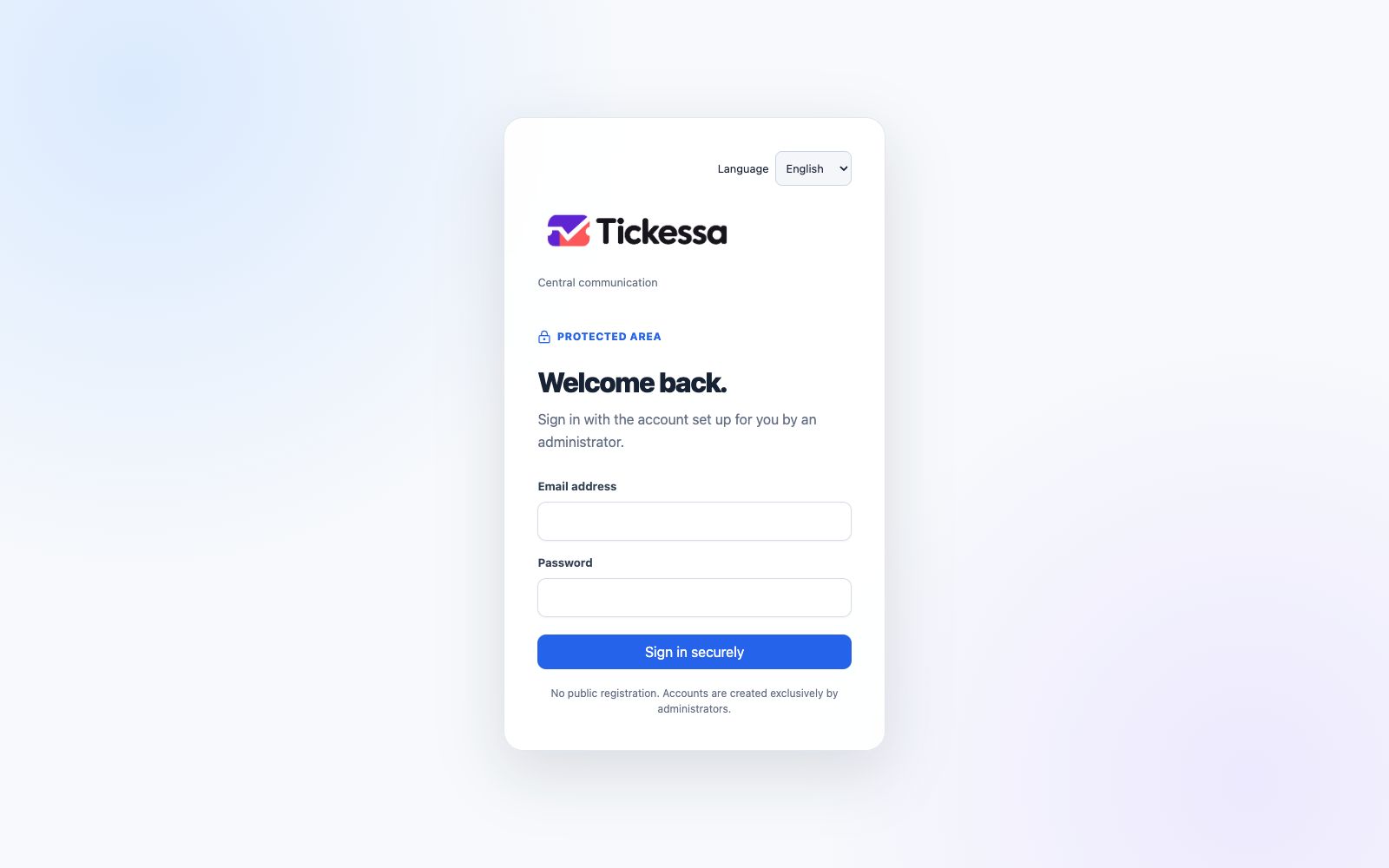
Choose the interface language before signing in.
- No public self-registration.
- Only administrators create users.
- Every data access is checked server-side.
- Project access follows the assigned role and permissions.
- Personal accounts remain separate from functional mailboxes.
Credentials
Passwords, database and mailbox credentials and AI keys belong in protected server-side storage. They must never appear in browser bundles, tickets, notes, documents or logs.
Attachments and emails
Email contents and attachments are untrusted. Handle unexpected files and links carefully even when server validation is available.
AI features
Tickessa provides provider, budget, task, input-protection, suggestion and transparency features. On the current 0.15.17 reference installation, global AI, providers and tasks remain off, the emergency stop is active and automatic sending is disabled. The personal review route available since 0.10.0 and the controlled auto-send path introduced in 0.11.0 do not change that approval boundary.
An approved AI call receives limited, cleaned ticket data and explicitly permitted knowledge sources. Suspicious instructions, secrets, blocked data categories and invalid output stop the run. Errors return work to manual handling.
Keep public documentation and customer knowledge separate from internal development information.
Public features
The portal, FAQ, contact forms, embeds, server integration and search indexing have separate global and project approvals and start disabled. Public forms do not use internal sessions and cannot accept browser-supplied project, priority or assignee mappings.
Response origin
Every outgoing message is labelled as human-written, AI-assisted with human review, or automatically sent by AI. The origin record and transparency version valid at sending cannot later be rewritten.
Language changes affect interface text and future system messages. Existing conversations and operator-authored knowledge remain unchanged; no translation service receives them.